
Visual-first editing
See each relationship while you add it, so the chart remains understandable as it grows.
A good family tree maker should feel simple when you add one person and still stay organized when your chart reaches hundreds of relatives.
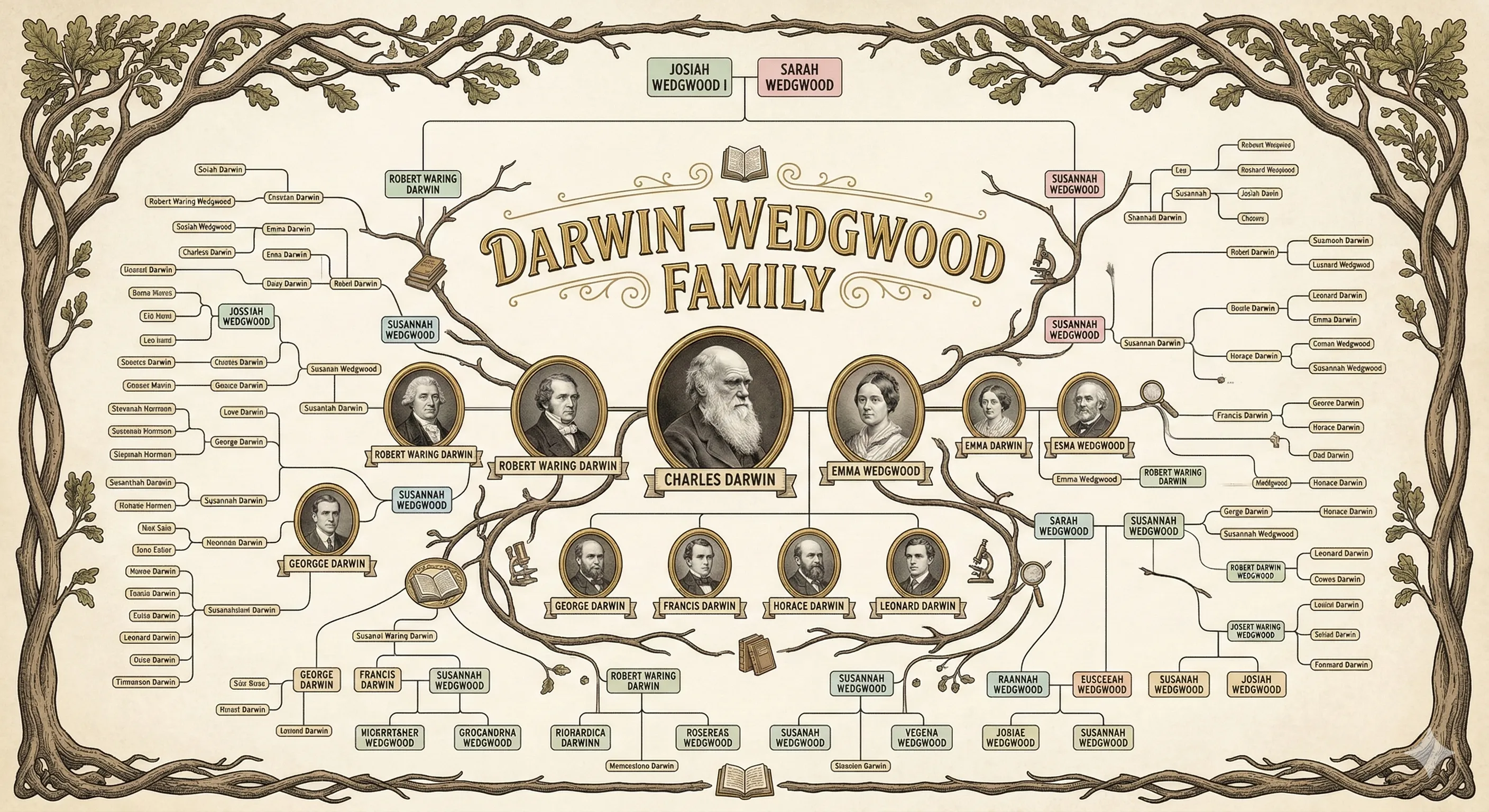
See each relationship while you add it, so the chart remains understandable as it grows.
Record names, dates, places, notes, and media alongside the visual tree.
Use sample trees and templates as references before creating your own family history.
| Need | Lineage | Typical Alternative |
|---|---|---|
| Editing style | Visual genealogy maker | Forms first, chart later |
| Collaboration | Built for relatives to contribute | Single-user project |
| Output | Interactive tree plus exports | Static image or report |
Start with yourself or a known ancestor, add immediate relationships, then expand one generation at a time with sources and notes.
Yes. Templates are useful for quick projects, but Lineage keeps relationships structured and editable.
Lineage supports richer family profiles so your tree can include visual memories as well as names and dates.